
April is Financial Literacy Month, so it's the perfect time to review and update your financial literacy. Attend a program at the library, check out material — such as books, eBooks, audiobooks and more — about financial topics, or view a video tutorial from Weiss Financial Ratings.
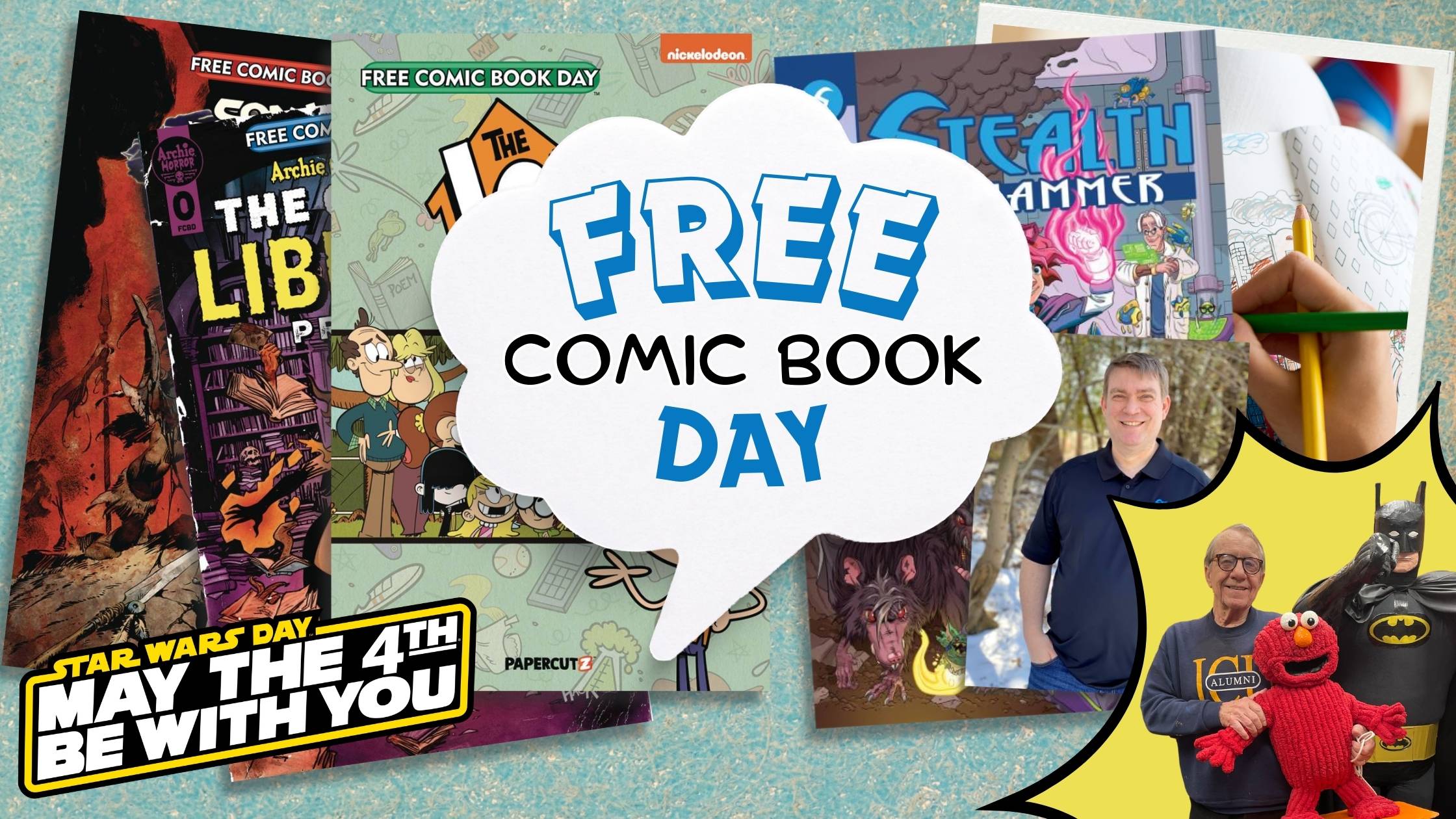
Free Comic Book Day and Star Wars Day are Saturday, May 4! Celebrate with free comic books while supplies last, Make Your Own Comic with library staff, and take selfies with the Ohio Star Wars Rebel Legion! Can't wait? Take selfies with The Guys at the library now and learn The Art of Comic Book Creation on April 30.

Westlake Porter Public Library is excited to introduce Virtual Author Talks in partnership with the Library Speakers Consortium. Join us online for 2-3 live presentations per month by best-selling authors and thought leaders.
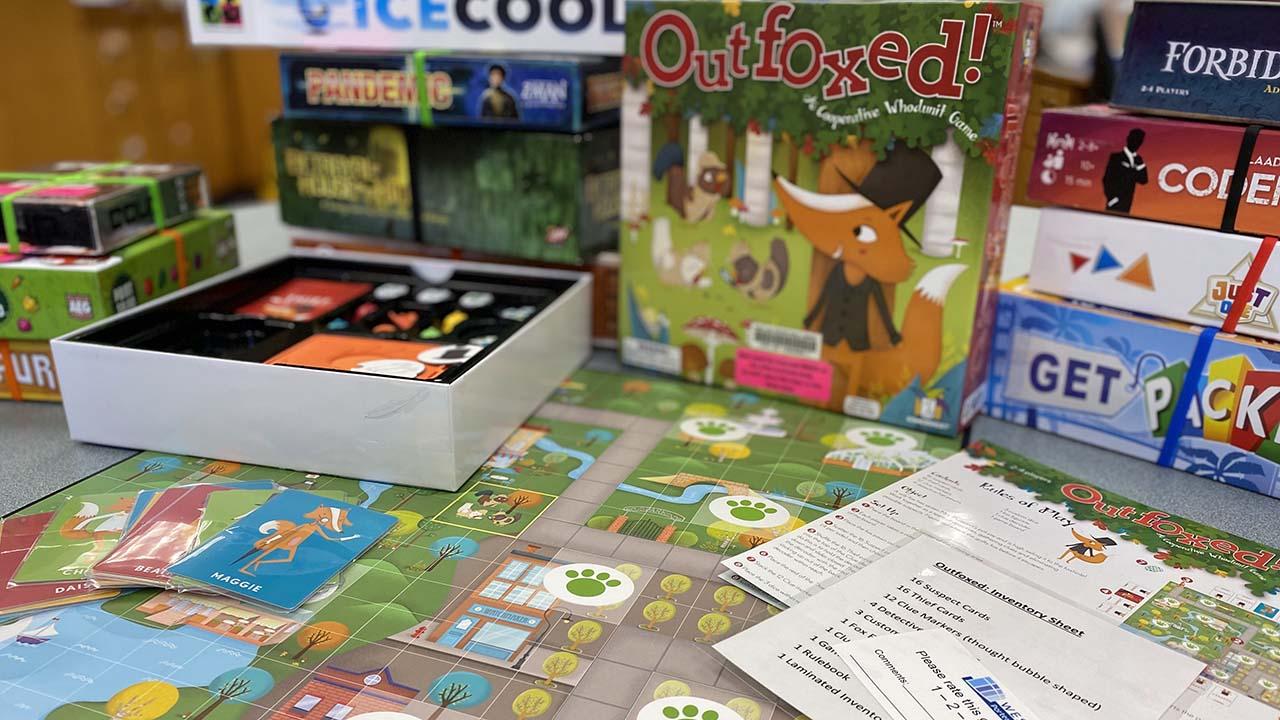
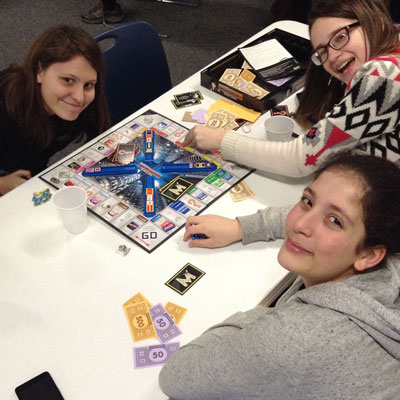
Check out board and card games from our Non-Traditional Materials Collection to play at home. With a variety of types and range of age groups, there's something sure to delight. Visit our catalog to see what is available or stop in today!