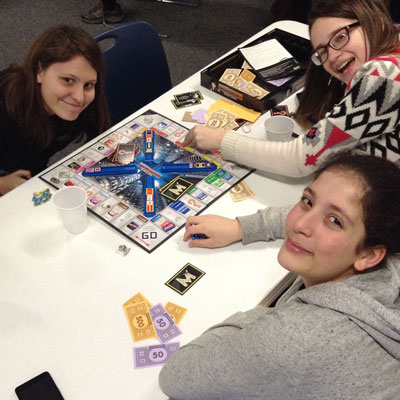
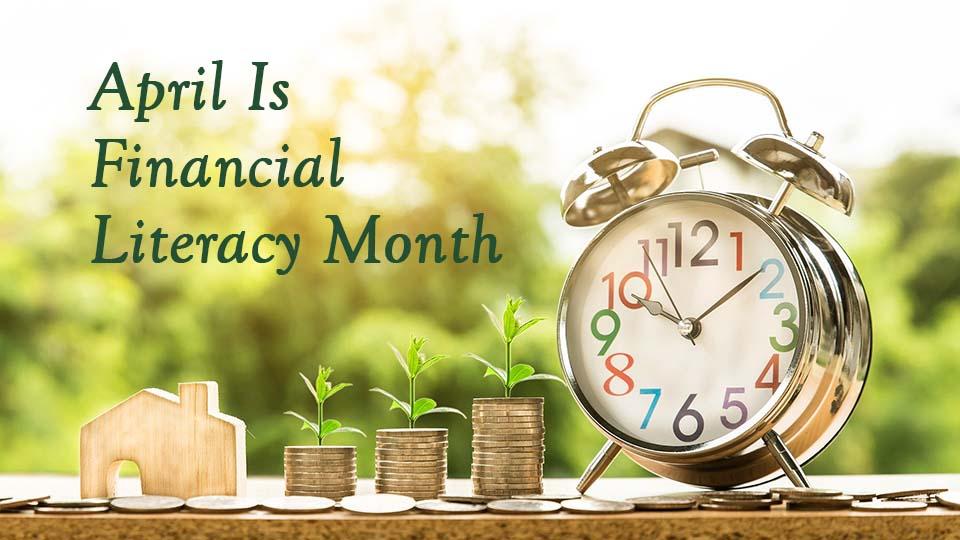
April is Financial Literacy Month, so it's the perfect time to review and update your financial literacy. Attend a program at the library, check out material — such as books, eBooks, audiobooks and more — about financial topics, or view a video tutorial from Weiss Financial Ratings.
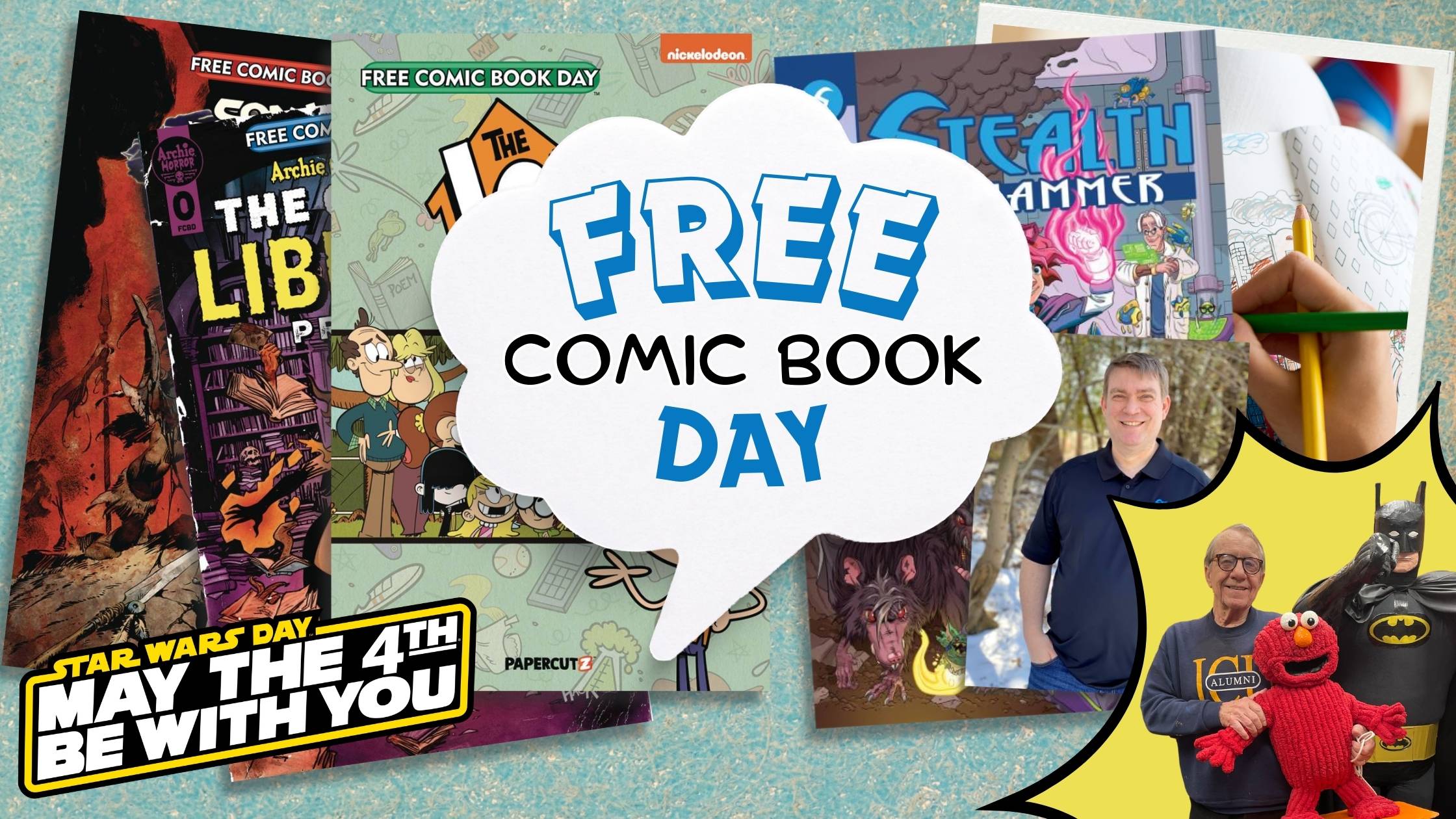
Free Comic Book Day and Star Wars Day are Saturday, May 4! Celebrate with free comic books while supplies last, Make Your Own Comic with library staff, and take selfies with the Ohio Star Wars Rebel Legion! Can't wait? Take selfies with The Guys at the library now and learn The Art of Comic Book Creation on April 30.
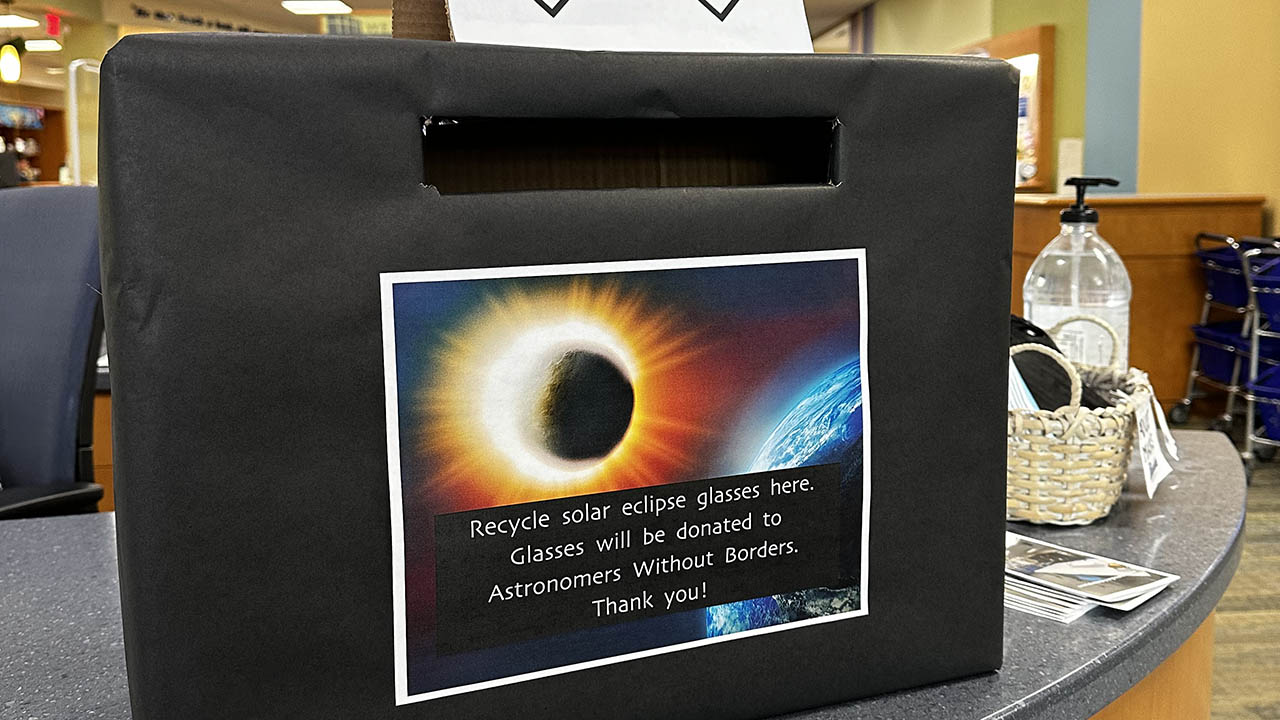
Recycle your eclipse glasses here! Drop them off at one of the boxes inside the library or at the drive-up window. Glasses will be donated to Astronomers Without Borders, a nonprofit organization that will distribute the them to communities around the world for future eclipses.

CIFF48 Streams, the virtual portion of the Cleveland International Film Festival is taking place online through April 21! There are hundreds of films to choose from, and you don’t have to leave your house to enjoy them! Check out their lineup and support independent film in Cleveland.